Computers, laptops, tablets, and smartphones have become an integral part of everyday life. Whether for work, studying, communicating, or searching for information, people often spend hours in front of screens.
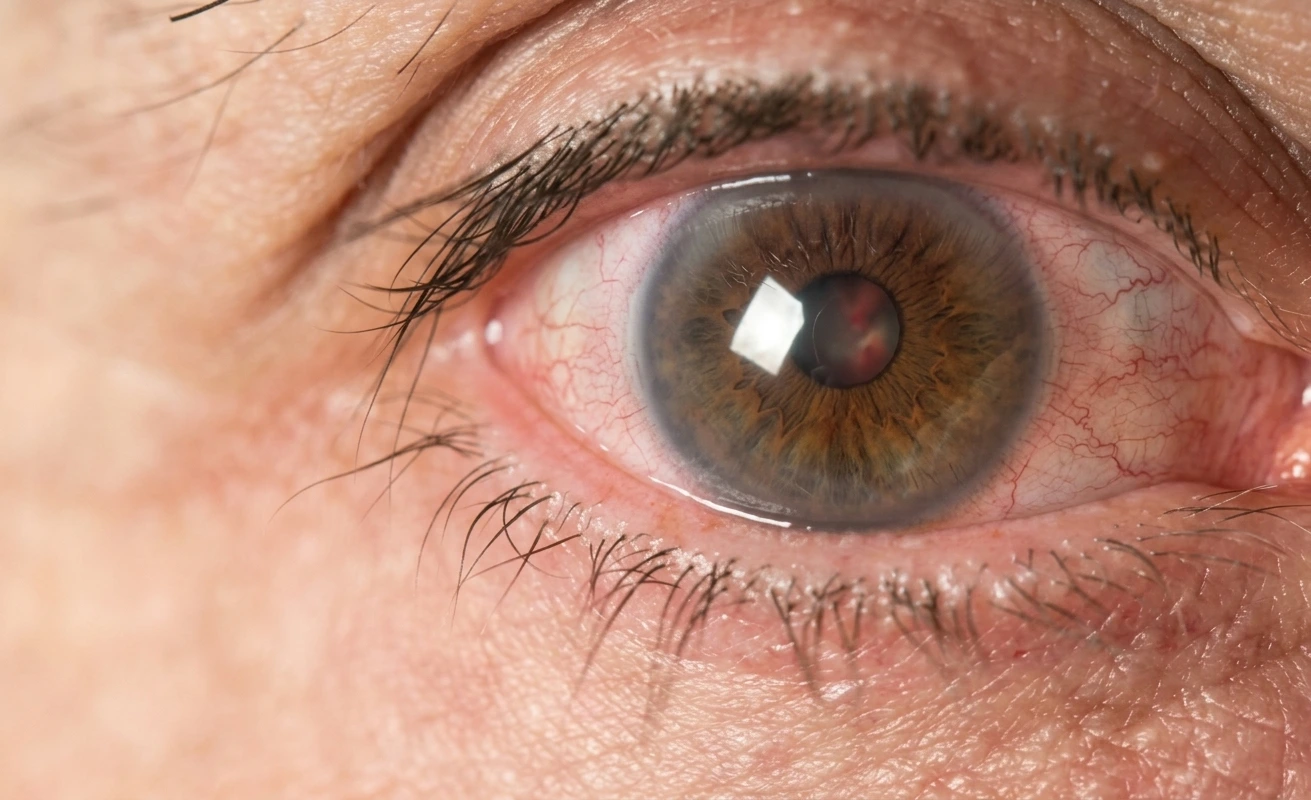
Spending too much time looking at a screen can make the eyes feel tired, dry, sore, or uncomfortable. These symptoms are commonly referred to as digital eye strain, a group of eye and vision-related symptoms that can occur after prolonged use of digital devices.
What Is Eye Strain from Looking at Screens?
Eye strain caused by prolonged screen use, also known as digital eye strain, refers to a group of eye and vision-related symptoms that can occur after prolonged visual activity involving computers, tablets, smartphones, or other digital devices.
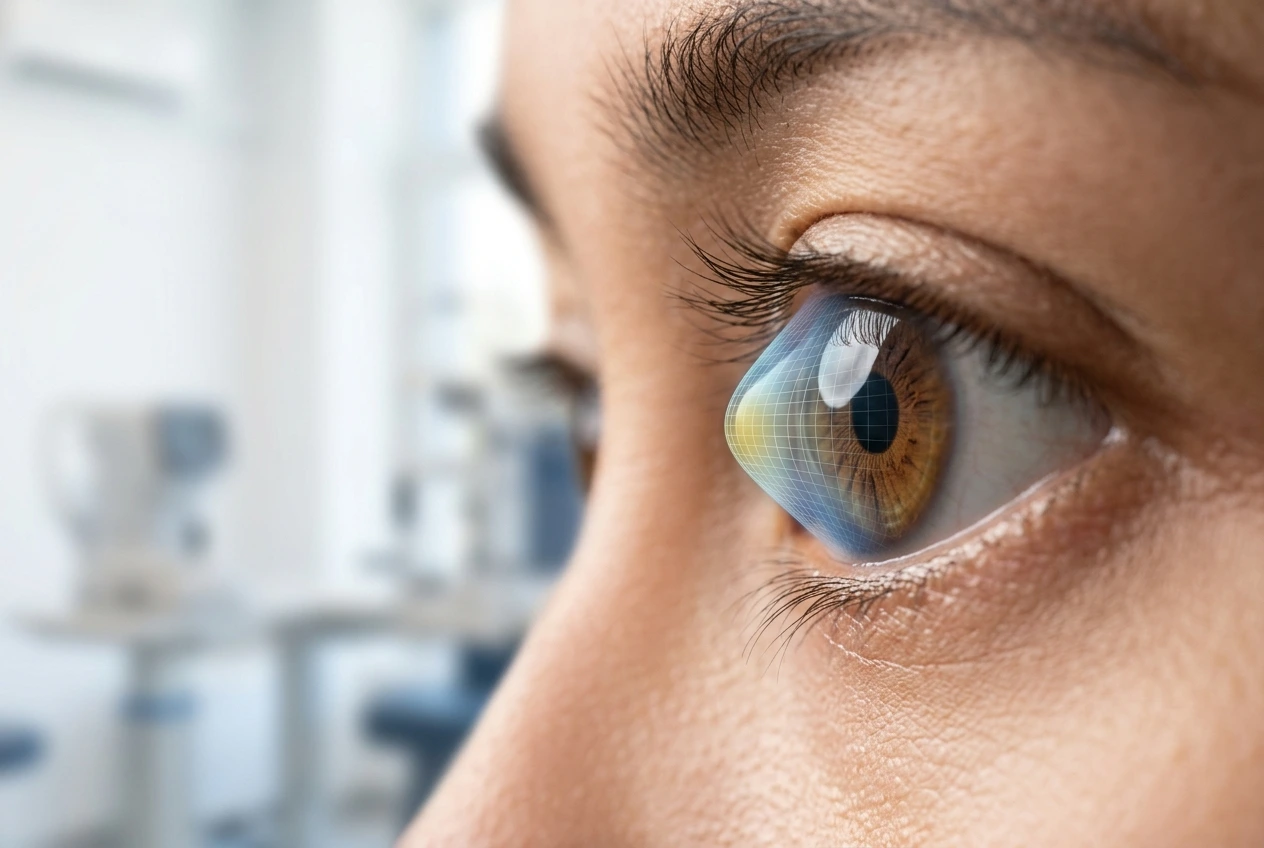
When looking at a screen, the eyes continuously work to maintain focus on a nearby object. This activity can also cause people to blink less frequently. Reduced blinking can make the surface of the eyes more prone to dryness and may lead to discomfort.
Why Can Looking at Screens for Too Long Cause Eye Strain?
Several factors may contribute to eye strain from prolonged screen use, including:
1. Reduced Blinking Frequency
When concentrating on a screen, people tend to blink less often. Blinking helps spread the tear film across the surface of the eyes and keeps the eyes moist.
2. The Eyes Continuously Focusing at a Close Distance
Looking at a screen is a near-vision activity that requires the eye’s focusing system to work continuously. After prolonged periods without a break, some people may experience eye fatigue or difficulty focusing their vision.
3. Improper Screen Distance and Position
A screen that is too close or positioned in a way that requires excessive head tilting up or down can increase discomfort while working. Adjusting the screen position and viewing distance appropriately can make screen use more comfortable.
The American Academy of Ophthalmology recommends positioning the screen approximately an arm’s length away from the eyes and slightly below straight-ahead eye level.
4. Inappropriate Room Lighting
A room that is too dark or too bright can make screen viewing less comfortable. Lighting conditions that create reflections on the screen can also increase glare.
5. Reflections and Glare on the Screen
Reflections from lamps, windows, or other light sources can make text on the screen more difficult to see. As a result, the eyes may have to work harder to maintain comfortable vision.
6. Dry Eyes
Dry eyes can make symptoms associated with digital device use more noticeable. Conversely, prolonged screen use may contribute to dry eyes because people tend to blink less frequently.
Is Eye Strain from Screen Use Harmful?
Eye strain from prolonged screen use is generally temporary and does not mean that using a computer or smartphone directly causes permanent eye damage.
The American Academy of Ophthalmology states that there is no evidence that digital device use causes permanent damage to the eyes. However, prolonged screen use without adequate breaks can cause discomfort, including dry eyes, eye fatigue, headaches, and temporary blurred vision.
Nevertheless, eye discomfort is not always caused by screen use. Uncorrected refractive errors, dry eyes, or other eye conditions can also cause similar symptoms. Therefore, persistent symptoms or symptoms that interfere with daily activities should be evaluated by an ophthalmologist.
How Can You Relieve Eye Strain from Spending Too Much Time Looking at Screens?
Several simple habits can help reduce eye strain caused by prolonged screen use.
1. Follow the 20-20-20 Rule
Every 20 minutes, look away from the screen for at least 20 seconds and focus on an object approximately 20 feet (6 meters) away. The 20-20-20 rule can help give the visual system a break during prolonged screen use.
2. Take Regular Eye Breaks
Do not wait until your eyes feel extremely tired before taking a break. If your work requires prolonged computer use, take regular breaks by standing up, walking for a short while, or looking at objects farther away.
3. Blink More Frequently
Try to become more aware of your blinking habits while working or using a smartphone. Blinking helps keep the surface of the eyes moist and distributes the tear film evenly.
4. Maintain a Comfortable Viewing Distance
Try to keep the screen at a comfortable distance, approximately one arm’s length away from your eyes. Avoid holding the screen too close, which can require the eyes to continuously focus at a very short distance.
5. Adjust the Room Lighting
Use lighting that is sufficient and comfortable. Avoid positioning the screen directly opposite a light source that can create reflections or glare.
6. Adjust Text Size and Screen Brightness
Use a text size that is easy to read without having to move your face closer to the screen. Screen brightness should also be adjusted according to the room’s lighting conditions so that the screen does not appear excessively bright or too dim.
7. Maintain Good Sleep and Healthy Habits
Getting enough rest is also important for overall health. Using digital devices, particularly at night, may affect sleep quality in some people because of light exposure and device use before bedtime.
Does Blue Light Cause Eye Strain?
Blue light is part of the visible light spectrum. It comes from natural sources such as sunlight and is also emitted by digital device screens.
Digital device use can cause eye discomfort, but these symptoms are not specifically caused by blue light. The American Academy of Ophthalmology states that there is currently no evidence that blue light from digital screens causes retinal damage or eye disease in humans.
Symptoms such as dry eyes and eye strain are more closely associated with prolonged screen use, reduced blinking, and other factors related to screen use.
Exposure to light at night, including light from digital screens, may also affect the body’s sleep rhythm. Reducing device use before bedtime or using a dimmer screen setting at night may help maintain healthy sleep patterns.
Therefore, special blue-light-filtering glasses should not be considered the only way to prevent eye strain. Taking regular eye breaks, blinking frequently, adjusting screen settings, and maintaining proper ergonomics remain important.
FAQ About Eye Strain
Yes. Prolonged smartphone use can cause digital eye strain. The eyes may feel tired, dry, sore, or watery, and temporary blurred vision may occur, especially when the device is used continuously without breaks.
One approach is to follow the 20-20-20 rule: every 20 minutes of screen use, look away from the screen for at least 20 seconds and focus on an object approximately 20 feet (6 meters) away.
The 20-20-20 rule is one of the habits that can help reduce discomfort associated with prolonged screen use. It should be combined with proper screen distance, appropriate lighting, and frequent blinking.
If a person has an uncorrected vision problem or their current prescription is no longer appropriate, wearing glasses with the correct prescription can make visual activities more comfortable. An eye examination is necessary to determine the appropriate vision correction.
There is currently no evidence that blue light from digital screens causes retinal damage or eye disease in humans. Symptoms experienced after prolonged screen use are more closely associated with extended visual activity and factors such as reduced blinking.
Conclusion
Eye strain from prolonged screen use is a common complaint, particularly among people who spend long periods using computers, laptops, tablets, or smartphones. Reduced blinking, prolonged near-focus activity, continuous screen use without breaks, inappropriate lighting, glare, and dry eyes can all contribute to these symptoms.
Several simple habits can help reduce discomfort, including following the 20-20-20 rule, taking regular breaks, blinking more frequently, maintaining an appropriate screen distance and position, and adjusting lighting and text size.
If your eye symptoms persist or begin to interfere with your daily activities, you can have your eyes examined at Mayapada Eye Centre for a comprehensive evaluation of your eye health.
Reference:
American Academy of Ophthalmology (AAO). Digital Devices and Your Eyes.
American Academy of Ophthalmology (AAO). Are Computer Glasses Worth It?
American Academy of Ophthalmology (AAO). Should You Be Worried About Blue Light?
American Optometric Association (AOA). Computer Vision Syndrome.
National Eye Institute (NEI). Causes of Dry Eye.
National Eye Institute (NEI). Dry Eye.
National Eye Institute (NEI). Your Eyes’ Natural Defenses.